
How to start in Nostr - Barebones step by step
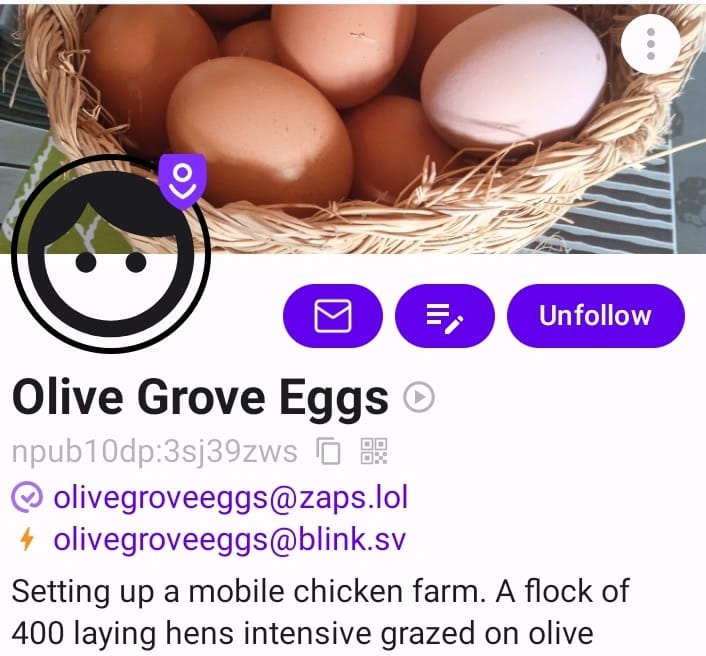
If you are familiar with the terminology, below are the boxes to tick, so you end up with a Nostr profile something like this. Handle, npub/nsec, Nostr Address and a lightning wallet.
If this guide is too barebones, see the end for alternative guides
Trial run if you aren't familiar with public-private keys
For newcomers, this first section will quickly familiarise you with how key pairs work in Nostr. Skip this section if you already know that copy and pasting your username and password every time you sign into a Nostr app is the last thing you should do.
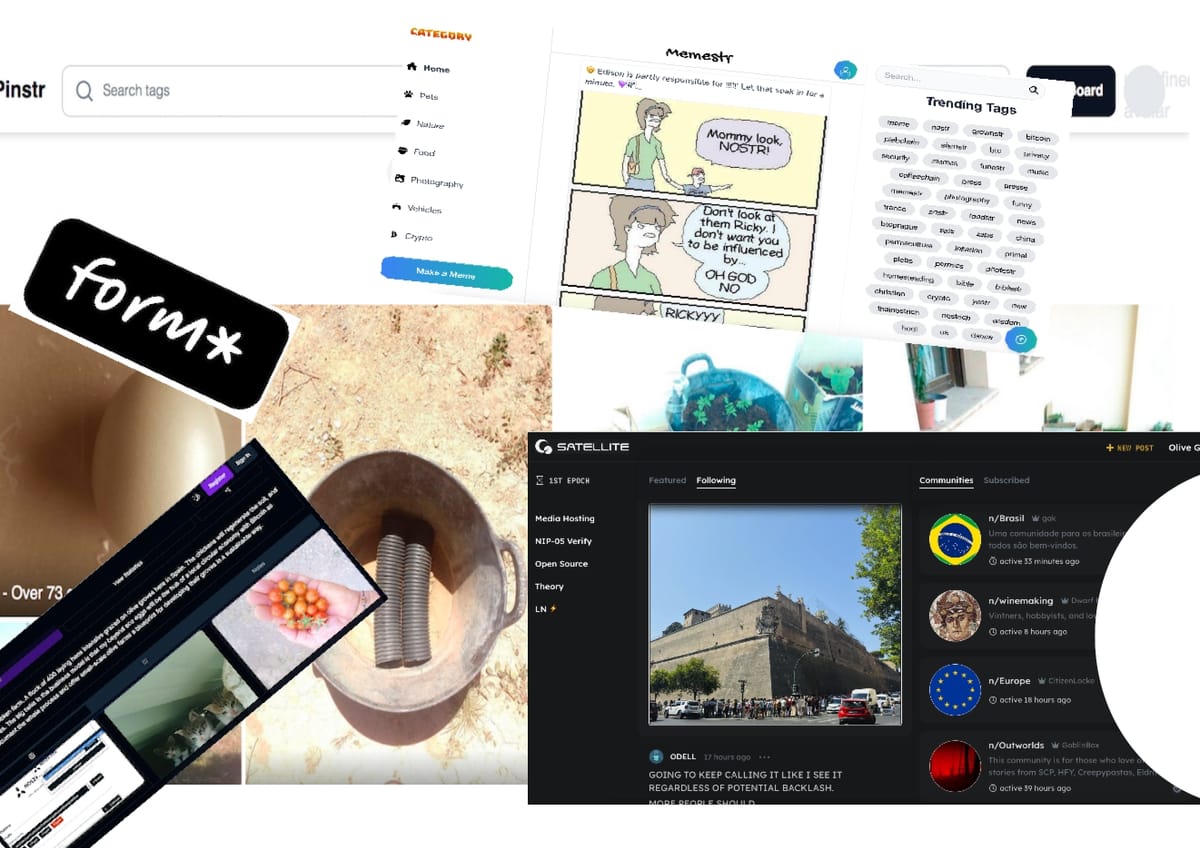
- Sign up/register anonymously to a Nostr app eg Lumina photo gallery- It's a 2-step process.
- If you are shown your public and private keys during the sign-up, copy and store in a safe place, ideally a password manager.
- Other apps may just ask for a name before you enter. If so, at the first opportunity go to settings and copy and paste your public and private keys into a password manager.
- Continue and have a play.
- You have a copy of the key pair, right? Sign out.
- Using your saved public (npub) key, sign in to the same app, or sign in (not register) to memestr another Nostr app . All Nostr apps will recognise your keys from the first time you used them!)
- When you want to add content you will be asked for your private key. By all means oblige, this is experimental. In effect you are exposing your private key to the internet. Hopefully you feel uncomfortable! Read further and we can do better, a lot better.
That's all there is to it. You can set up as many different accounts as you want. The common thread however is: without the 2 keys to an account you cannot get back into it.
Set up in Nostr for real
- For a convenient and secure way to use a Nostr account, set up an account with Alby.
- Use Alby to create your new key pair. That is a recommendation by dergigi, a prominent Nostr developer.
- Set up the Alby Browser extension. This widget will securely use your keys to sign you into any Nostr app. You just have to confirm with one click.
- Try it out and sign up to a Nostr app with your fancy new key pairing.
- Next, complete your Nostr profile with a Nostr Address to add to the web of trust.
- Optional: Set up a Lightning wallet so you can zap Bitcoin micropayments to users publishing great content. (That works both ways.) Alby have a wallet or a list of alternatives. Add the @ lightning address to your profile.
That's it. Enjoy the security and the fun and the potential to participate in Nostr's circular economy with Bitcoin as currency.
We all have our preferences for learning
- A full version with pictures and links to what I used.
- A simpler version with pictures and loads of alternative signers and wallets.
- A full list of Nostr apps and paraphenalia